3 Leading Pharmacy Management Software
Review the 3 best pharmacy management software solutions for inventory and prescription tracking.
3 Leading Pharmacy Management Software
Review the 3 best pharmacy management software solutions for inventory and prescription tracking.
Running a modern pharmacy is no longer just about counting pills and managing paper prescriptions. Whether you are operating a small community pharmacy in Southeast Asia or a large-scale retail chain in the United States, the digital backbone of your business is your Pharmacy Management System (PMS). If you are still struggling with manual inventory counts or slow prescription processing, it is time to look at how the right software can change your daily workflow. Let’s dive into the top three platforms that are currently dominating the market.
Key Features of Pharmacy Management Software for Inventory and Prescription Tracking
When we talk about pharmacy management software, we are looking for a few non-negotiable features. First, automated inventory management is a must. You need a system that alerts you when stock is low and integrates directly with your wholesalers. Second, prescription tracking needs to be seamless. This means real-time updates on patient profiles, insurance verification, and automated refill reminders. Finally, the software must be compliant with local regulations, whether that is HIPAA in the US or the various data privacy laws across ASEAN countries.
Top 3 Pharmacy Management Software Solutions Compared
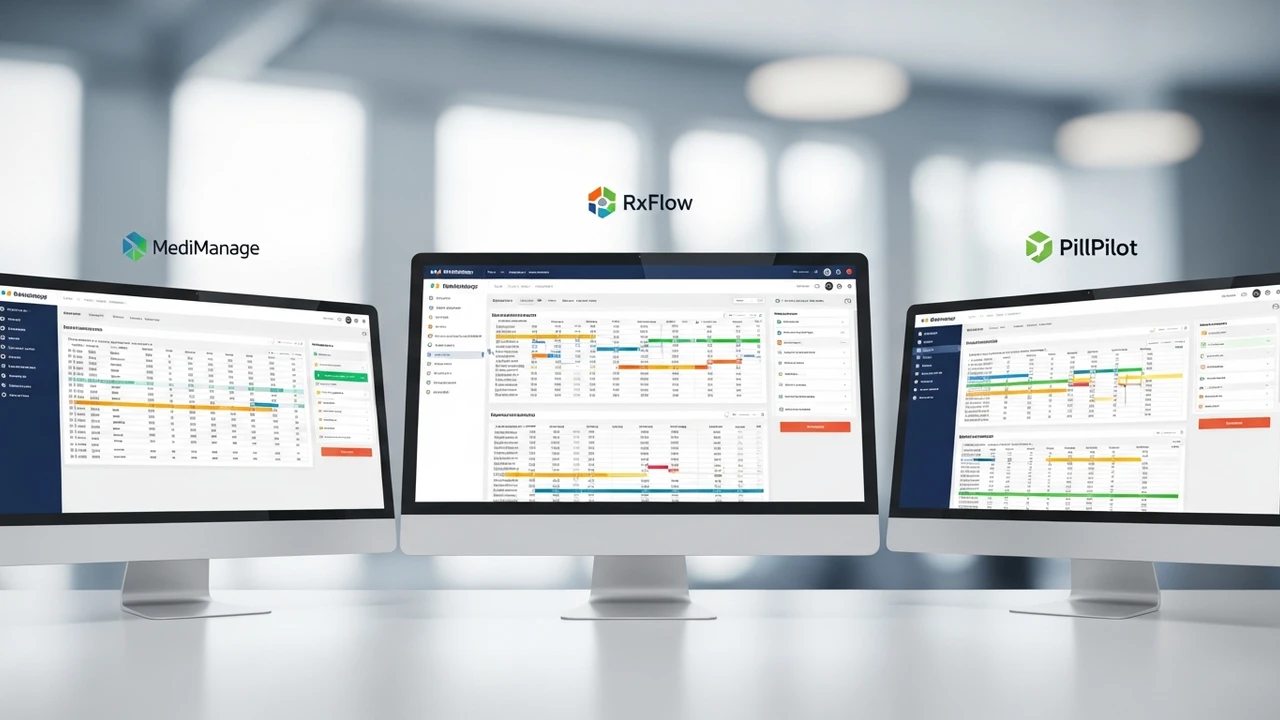
We have narrowed down the list to three heavy hitters: PioneerRx, BestRx, and WinPharm. Each of these serves a slightly different type of pharmacy, so let’s break them down.
PioneerRx The Powerhouse for Independent Pharmacies
PioneerRx is widely considered the gold standard for independent pharmacies in the US. It is incredibly feature-rich and focuses heavily on clinical services. If you want to do more than just dispense medication—like offering vaccinations, point-of-care testing, or specialized compounding—this is the platform for you.
Use Case: Ideal for high-volume independent pharmacies that want to expand their clinical service offerings and need deep reporting capabilities.
Pricing: PioneerRx typically operates on a subscription model that can range from $800 to $1,500 per month depending on the number of workstations and modules added.
BestRx The User Friendly Choice for Small to Mid Sized Pharmacies
If you are looking for something that is easy to learn and doesn't require a massive IT team to maintain, BestRx is a fantastic option. It is known for its intuitive interface and excellent customer support. It handles the basics of prescription processing and inventory management with very little friction.
Use Case: Perfect for smaller community pharmacies or those transitioning from legacy systems who want a quick learning curve.
Pricing: BestRx is generally more affordable, often starting around $400 to $700 per month, making it a great entry point for newer businesses.
WinPharm The Reliable Workhorse for Retail Chains
WinPharm is built for stability and speed. It is a robust system that handles high-volume retail environments exceptionally well. It excels at multi-store management, allowing owners to see inventory levels across several locations in real-time.
Use Case: Best suited for pharmacy chains or groups that need centralized control over multiple locations and high-speed processing.
Pricing: Pricing is usually customized based on the number of locations and specific integration needs, often requiring a quote, but expect a tiered structure starting at $600 per month per location.
How to Choose the Right Pharmacy Management System for Your Business
Choosing the right software is a big decision. You need to consider your current volume, your budget, and your future growth plans. If you are in the US, you need to ensure the software integrates with major PBMs (Pharmacy Benefit Managers). If you are in Southeast Asia, you might prioritize software that supports multi-currency and local tax compliance. Always ask for a demo and talk to other pharmacists who are currently using the system. Don't just take the sales pitch at face value; ask about their downtime, their support response time, and how easy it is to export your data if you ever decide to switch providers. The transition period is always the hardest part, so look for a vendor that offers dedicated migration support to move your patient records and inventory history without losing a single byte of data.
:max_bytes(150000):strip_icc()/277019-baked-pork-chops-with-cream-of-mushroom-soup-DDMFS-beauty-4x3-BG-7505-5762b731cf30447d9cbbbbbf387beafa.jpg)